
- Text information
- Photos
- Audio & Video Clips
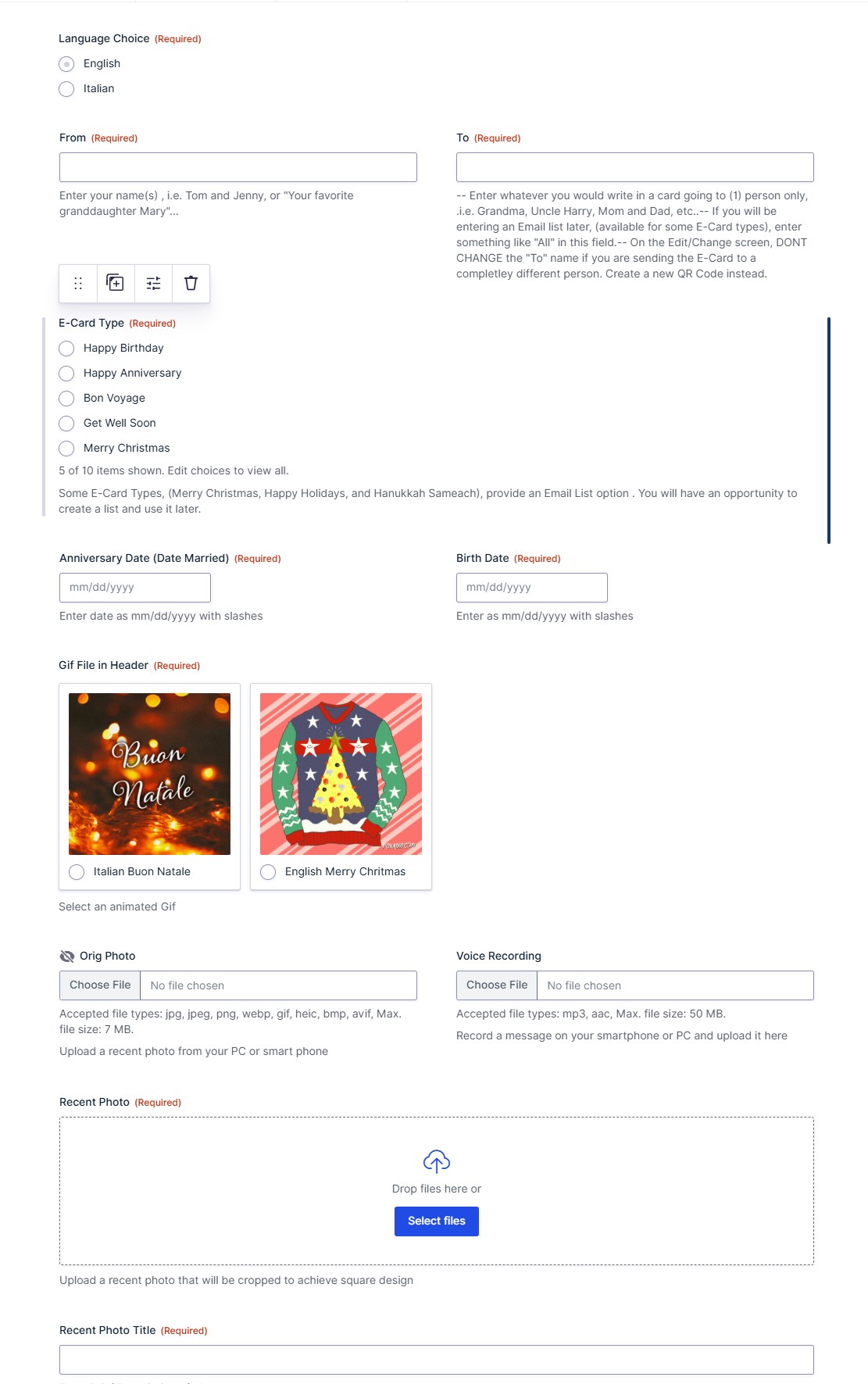
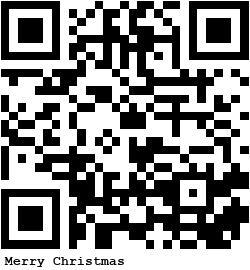
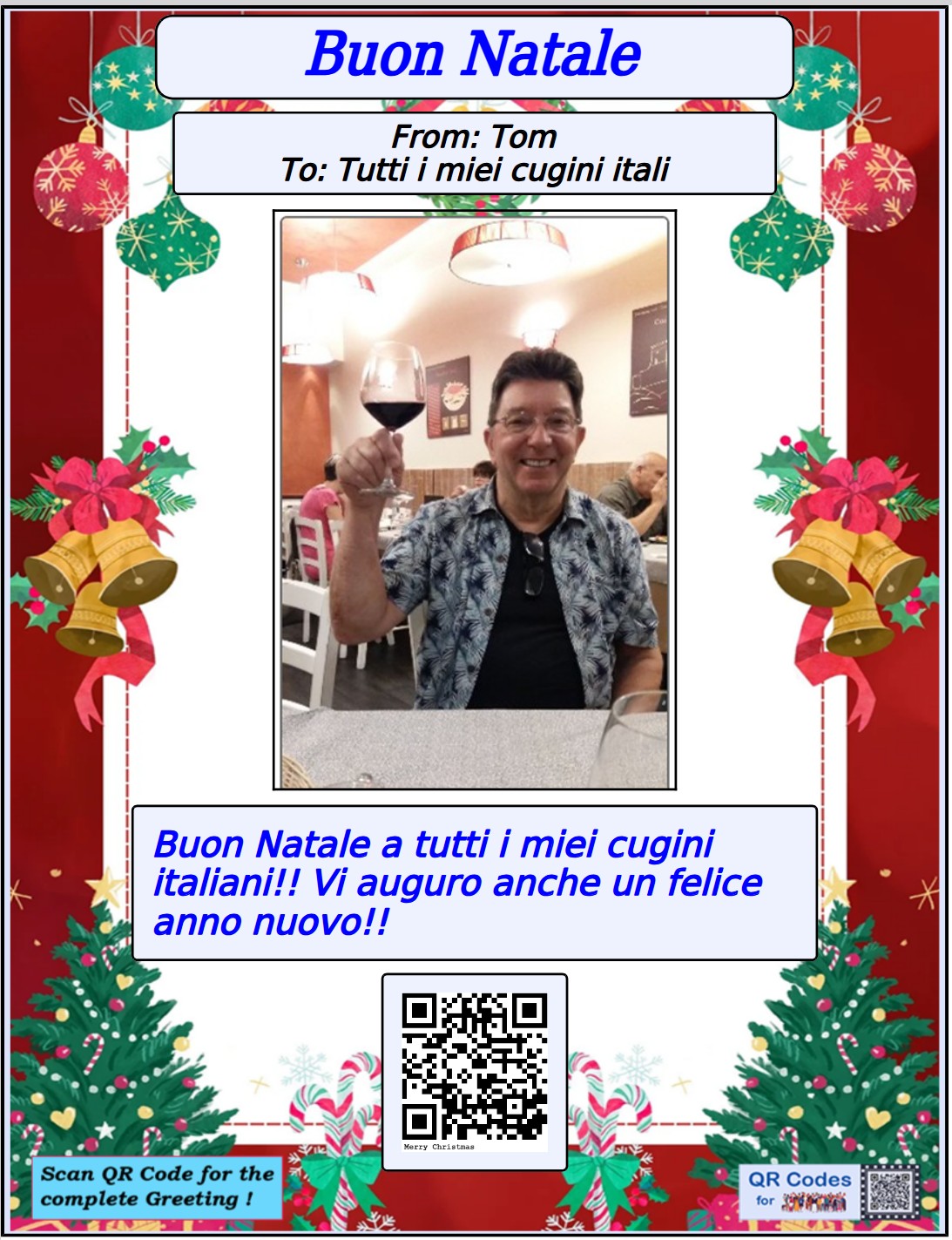
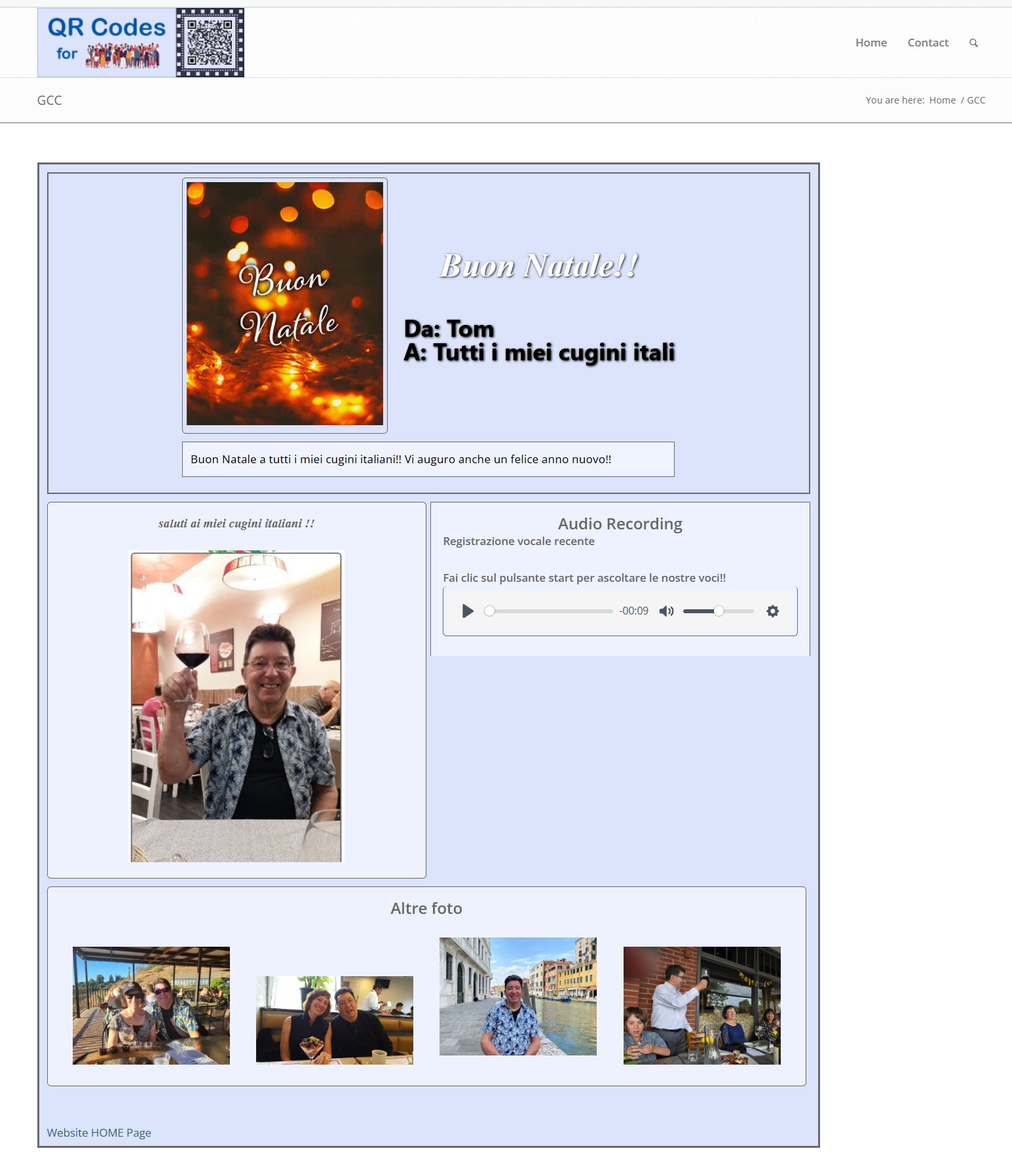
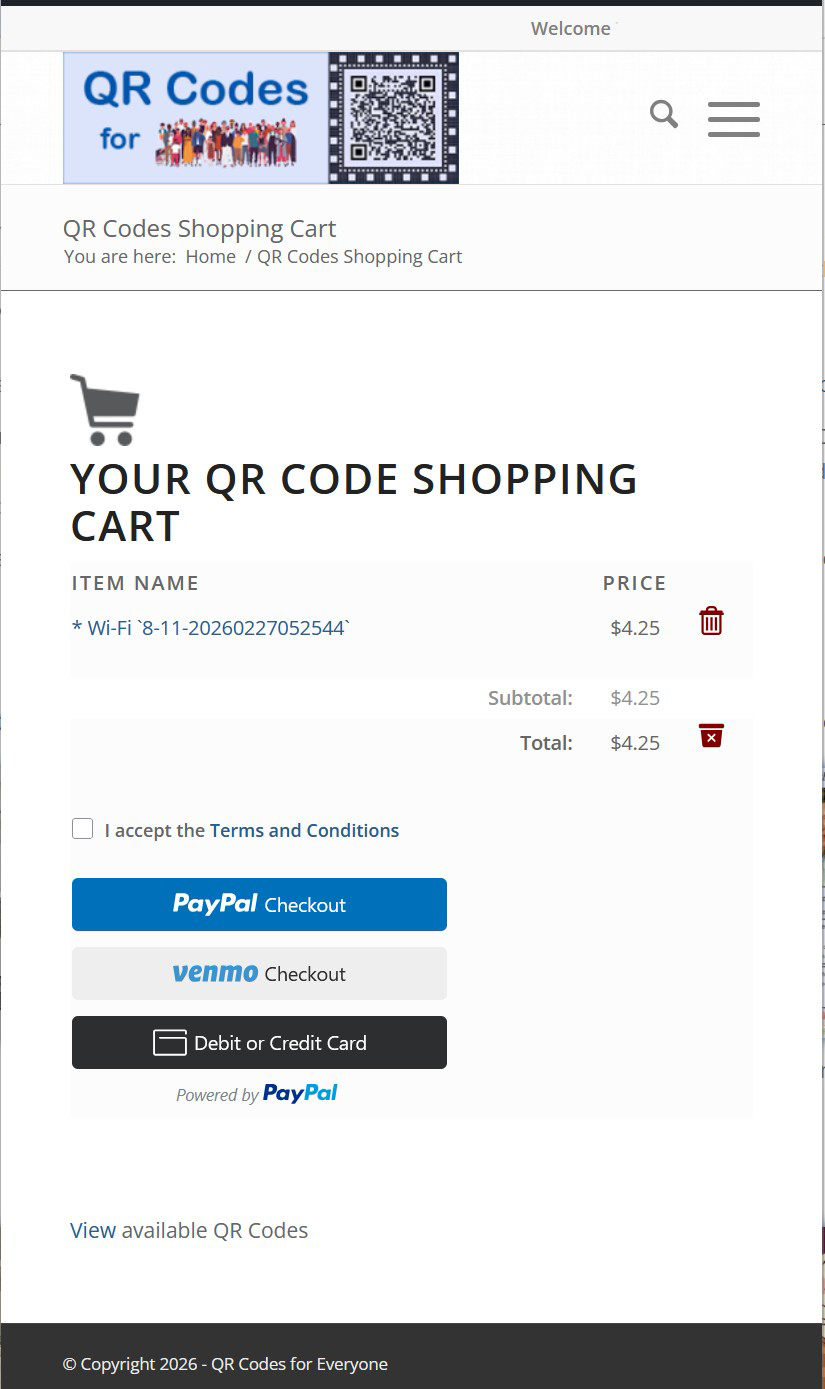
The QR Codes available from QR Codes for Everyone are Dynamic Codes. When you point a scanning and/or camera app on your phone at the QR Code, a URL link appears. That link, when touched, accesses this website, qrcodesforeveryone.com. The information you entered when creating the QR Code, is formatted based on the specific QR Code product you ordered and then displayed.
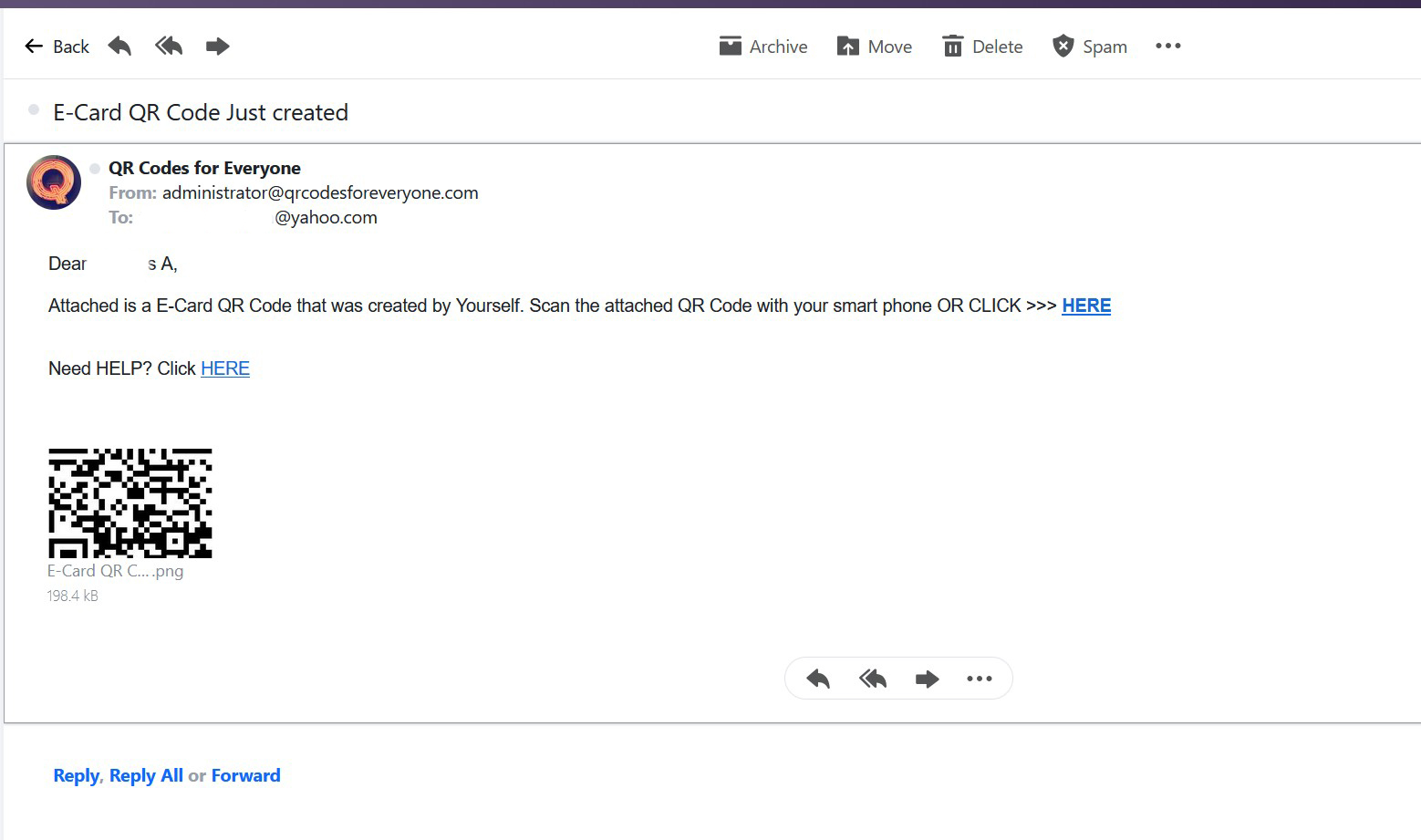
Some of the QR types may be emailed to Email Lists that you create and some QR types offer a PDF Download  option.
The QR Code will continue to work without needing to be re-generated. For example, if you order a Wi-Fi QR Code, and put it on a refrigerator, the QR Code will still work even if you change the Wi-Fi password multiple times. Of course you will need to login to this site to update the Wi-Fi Code whenever you make a change , (at no additional charge). It surely beats looking for that torn piece of paper in the kitchen drawer!!
QR Codes for Everyone allows you to order and receive a QR Code without initially paying for it. Each QR Code type has a “preview” time limit, (typically 2 days), before it expires. Once you pay for the QR Code , it is automatically reactivated.